
 ChatGPT
 Perplexity
 Claude
 Gemini
 Grok
Grok
Ever looked at a photo and wished you could make it move? Whether you're a creator producing content for YouTube and social media, a marketer building product ads, or just someone who wants to animate a favorite picture for fun, image to video AI tools make it surprisingly accessible. I tested over 10 AI image to video generators, including free online options and paid platforms, to find what actually delivers. Here are the best image to video AI tools of 2026, with honest comparisons on quality, ease of use, and pricing.
Why Use an Image to Video AI Generator? 4 Use Cases That Actually Matter
We live in a video-first world, and static images just don't stop the scroll anymore. Traditional video production is slow, expensive, and requires specialized motion design skills most people don't have.
That's why image to video AI has exploded in popularity. These tools let you turn a single photo into a dynamic, motion-rich video clip in minutes, with no editing timeline, no After Effects, and no production crew. Whether you need to convert image to video with AI for a product launch or animate a piece of artwork for social media, the barrier to entry has essentially disappeared.
People are using AI image to video generators to solve real business and creative problems. Here are the four use cases driving the most adoption right now:
Product Video Ads for E-Commerce
Turn flat product photography into scroll-stopping video ads. Adding subtle camera motion, zoom, or ambient effects to a standard product shot can dramatically boost click-through rates without a studio reshoot. For D2C brands and Shopify sellers running paid ads at scale, an image to video AI tool is becoming a core part of the creative workflow.
Short-Form Social Media Content for Creators
TikTok, Reels, and Shorts algorithms universally prioritize video content. Creators use AI photo to video tools to quickly animate static artwork, memes, fan art, or photography into engaging short-form clips. It's the fastest way to keep a content calendar full without burning out.
Ad Creative Iteration for Marketing Agencies
Agencies live and die by speed. With an AI image to video generator, teams can rapidly produce motion concepts, test multiple visual hooks, and run A/B creative tests while bypassing traditional video production timelines. The result: faster iteration, lower cost-per-creative, and more winning ads.
Narrative Animation for Digital Storytellers
Authors, historians, and concept artists are using image to video AI to add cinematic depth and emotion to static visuals, whether they're bringing illustrations to life, animating archival photos, or building portfolio reels. It turns a single frame into a moment.
Best Image to Video AI At a Quick Glance in 2026
Here's a snapshot of how every tool stacks up across generation quality, ease of use, pricing, and workflow features like batch creation and brand consistency.
| Tool | Pricing Model | Generation Quality | Batch Creation | Automation Level | Brand Consistency Control | Best-Fit Use Cases | Learning Curve |
|---|---|---|---|---|---|---|---|
| Pexo AI | Freemium | 4.5 | Yes | High | Excellent | E-commerce, Social Media Ads, Scalable Marketing | Easy |
| Runway (Gen-3 Alpha Turbo) | Paid | 5 | Limited | Low | Basic | Cinematic Storytelling, VFX, Film Pre-vis | Steep |
| Kling AI 2.0 | Freemium | 5 | No | Low | Basic | Hyper-Realistic Shots, Long-Duration Clips | Moderate |
| HeyGen | Freemium | 4.5 | Yes | High | Excellent | Avatar-Driven Videos, Business Content, Multilingual Marketing | Easy |
| Pika 2.0 | Freemium | 4 | No | Medium | Good | Stylized Animations, Anime, Social Content | Easy |
| Krea AI | Freemium | 4 | Limited | Medium | Good | Real-Time Rendering, Keyframe Control, Design Iteration | Moderate |
| Leonardo AI (Motion) | Freemium | 4 | Limited | Medium | Good | Image-to-Video Pipeline, Game Assets, Concept Art Animation | Moderate |
| Hailuo AI | Freemium | 4.5 | No | Low | Basic | Natural Motion, Character Animation, Social Media Content | Easy |
| Sora | Paid | 5 | No | Low | Basic | Cinematic Generation, Complex Scene Composition, Creative Storytelling | Moderate |
| Vidu (by Shengshu) | Freemium | 4.5 | No | Low | Basic | High-Fidelity Character Animation, Chinese-Market Content | Moderate |
10 Best Image to Video AI Tools for Creators
I personally tested each of these image to video AI generators with the same source images and similar prompts to give you a fair, apples-to-apples comparison. For every tool, you'll find an honest breakdown of generation quality, learning curve, workflow strengths, and real limitations.
1. Pexo AI — Best for Beginners & Fast Results
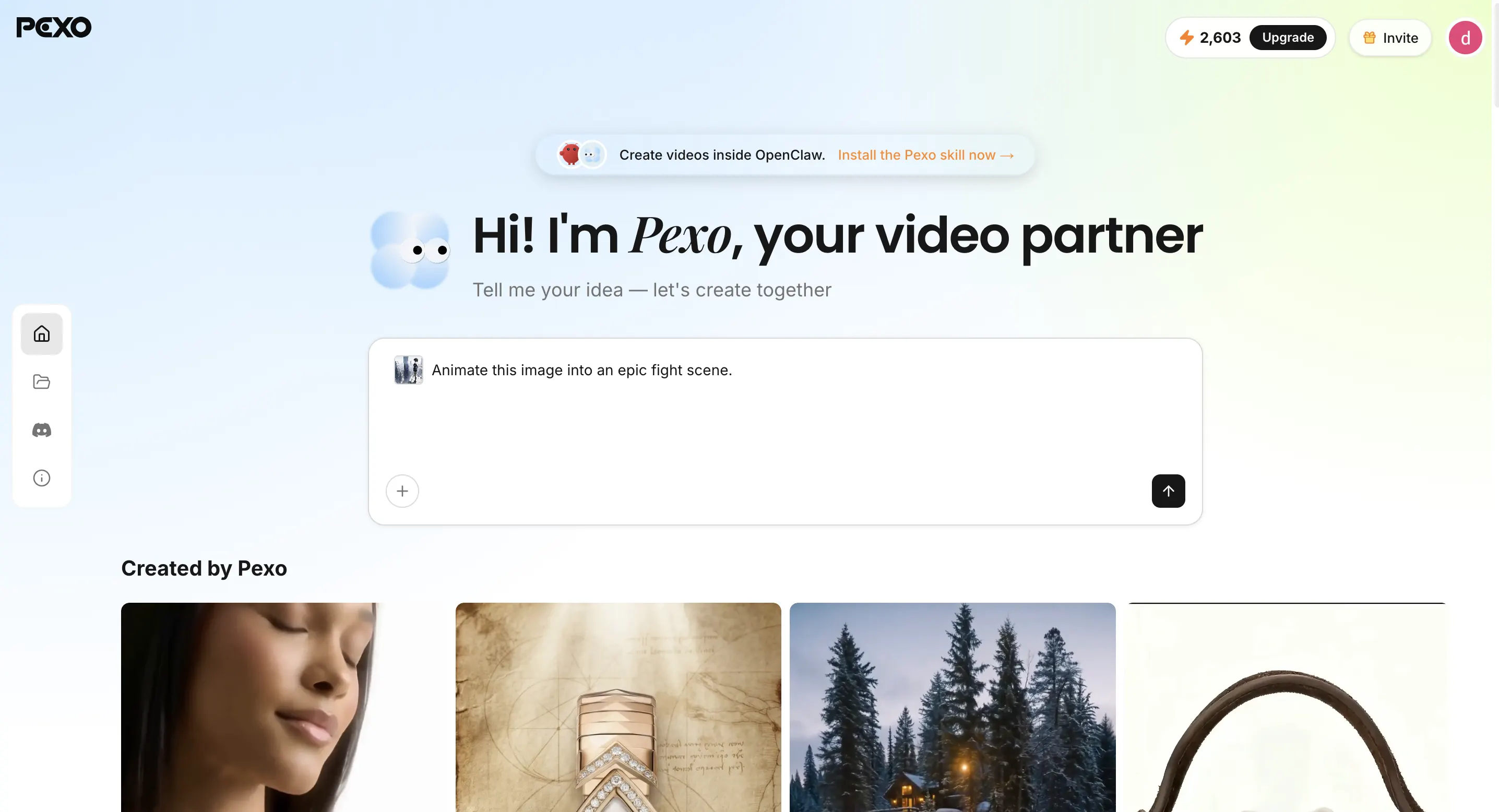
Pexo is the image to video AI that finally kills the learning curve. You don't need prompt engineering skills or any creative experience. Just drop your photo into Pexo's image to video AI generator, describe your idea in plain English, and Pexo handles the rest, including storyboarding, model selection, transitions, voiceover, and music.
- Pros: Zero prompt skills required. Full production output including scenes, voiceover, music, and transitions.
- Cons: Less fine-grained manual control compared to tools built for advanced users. Free plan has limited generations.
- Best For: Complete beginners and non-technical creators who want ready-to-post videos without any editing experience.
- Pricing: Freemium access with signup credits; premium plans offer larger generation pools and pay-as-you-go top-ups.
2. Runway (Gen-3 Alpha Turbo) — Best for Cinematic Storytelling & Film Pre-vis
Runway is the industry standard for cinematic AI video. Gen-3 Alpha Turbo produces the most film-quality results of any image to video AI tool I've tested, but it's paid-only with a steep learning curve.
- Pros: 5/5 generation quality with cinematic motion and lighting. Output looks intentionally directed, not randomly generated.
- Cons: No free plan. Steep learning curve with heavy prompt engineering required.
- Best For: Filmmakers and VFX artists who need the best possible image to video AI quality.
- Pricing: Fully paid with tiered credit plans.
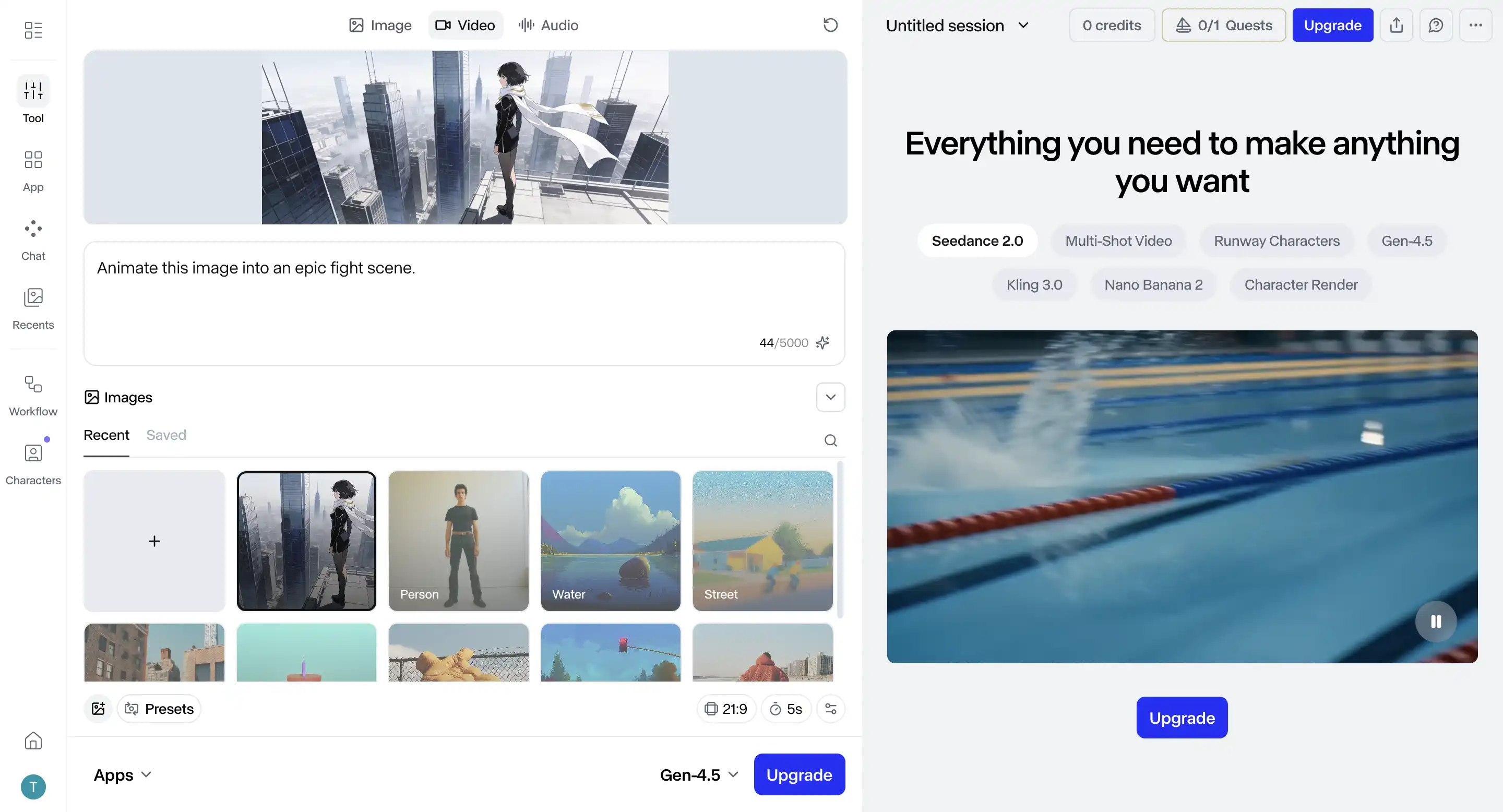
3. Kling AI 2.0 — Best for Hyper-Realistic Shots & Long-Duration Clips
Kling AI 2.0 generates some of the most realistic video from still images available today. Skin textures, fabric motion, and natural lighting all look convincing. It also pushes into longer clip durations than most competitors.
- Pros: Hyper-realistic output with natural-looking skin, fabric, and lighting. Longer clip durations than most tools.
- Cons: No batch creation. Basic brand consistency limits scaled campaign use.
- Best For: Creators who prioritize realism for portraits and product showcases.
- Pricing: Freemium tier with daily credits; paid plans unlock faster rendering and extended lengths.
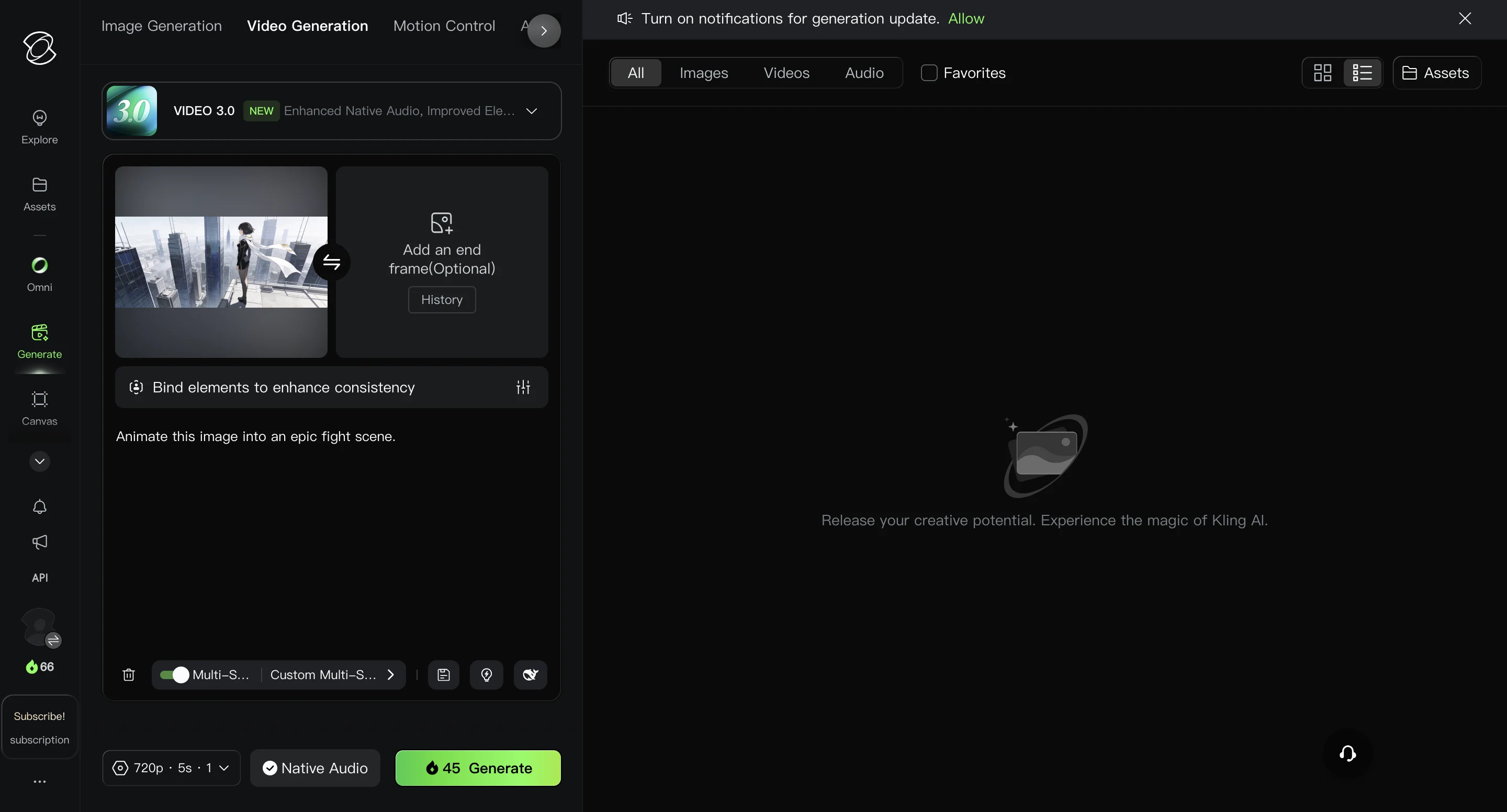
4. HeyGen — Best for Avatar-Driven Videos & Multilingual Business Content
HeyGen is the image to video AI built for business communication. Instead of chasing cinematic motion, it turns a single photo into a talking avatar that can speak any script in over 40 languages, complete with natural lip sync, gestures, and voice cloning. For marketers, educators, and sales teams, it collapses an entire studio production into a single workflow.
- Pros: Industry-leading avatar realism with accurate lip sync across dozens of languages. Batch creation and brand kit support make it scalable for teams. Easy learning curve with a clean, template-driven interface.
- Cons: Motion is focused on avatars and talking-head formats rather than free-form cinematic shots. Higher-tier features like custom avatars require paid plans.
- Best For: Marketing teams, course creators, and sales professionals producing explainer videos, product demos, and localized campaigns at scale.
- Pricing: Freemium plan with limited monthly minutes; paid tiers starting around $24/month unlock custom avatars, longer videos, and batch exports.
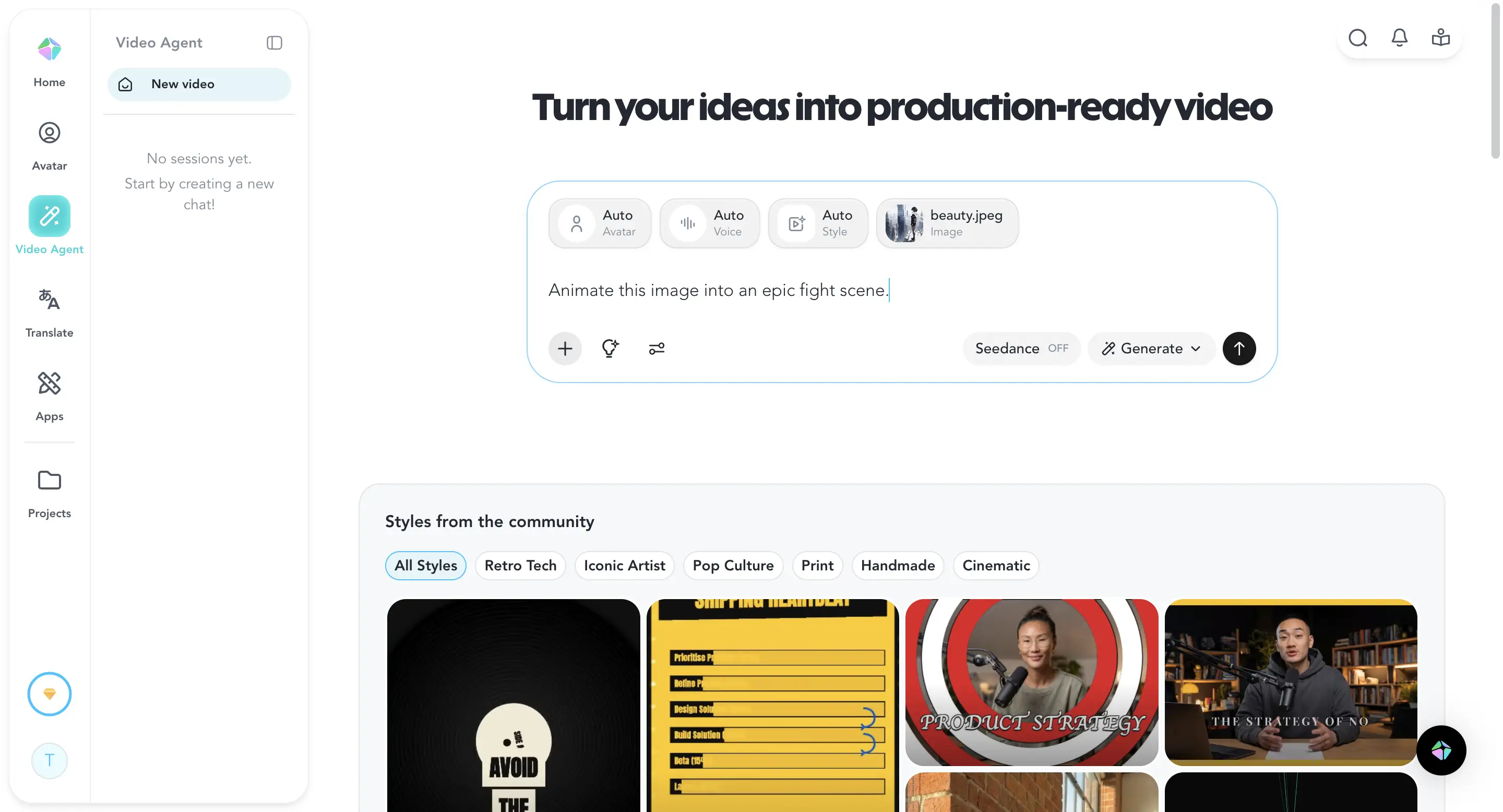
5. Pika 2.0 — Best for Stylized Animations & Social Content
Instead of chasing photorealism, Pika 2.0 leans into stylized aesthetics, including anime-inspired motion, illustrated looks, and social-first content. If you're making Reels or TikToks, this tool was designed for your workflow.
- Pros: Stylized output perfect for anime, illustration, and social media aesthetics. Easy learning curve.
- Cons: Not ideal for photorealistic results. No batch creation.
- Best For: Social media creators looking for stylized motion effects on artwork.
- Pricing: Freemium with daily credits; paid plans unlock higher resolution and watermark removal.
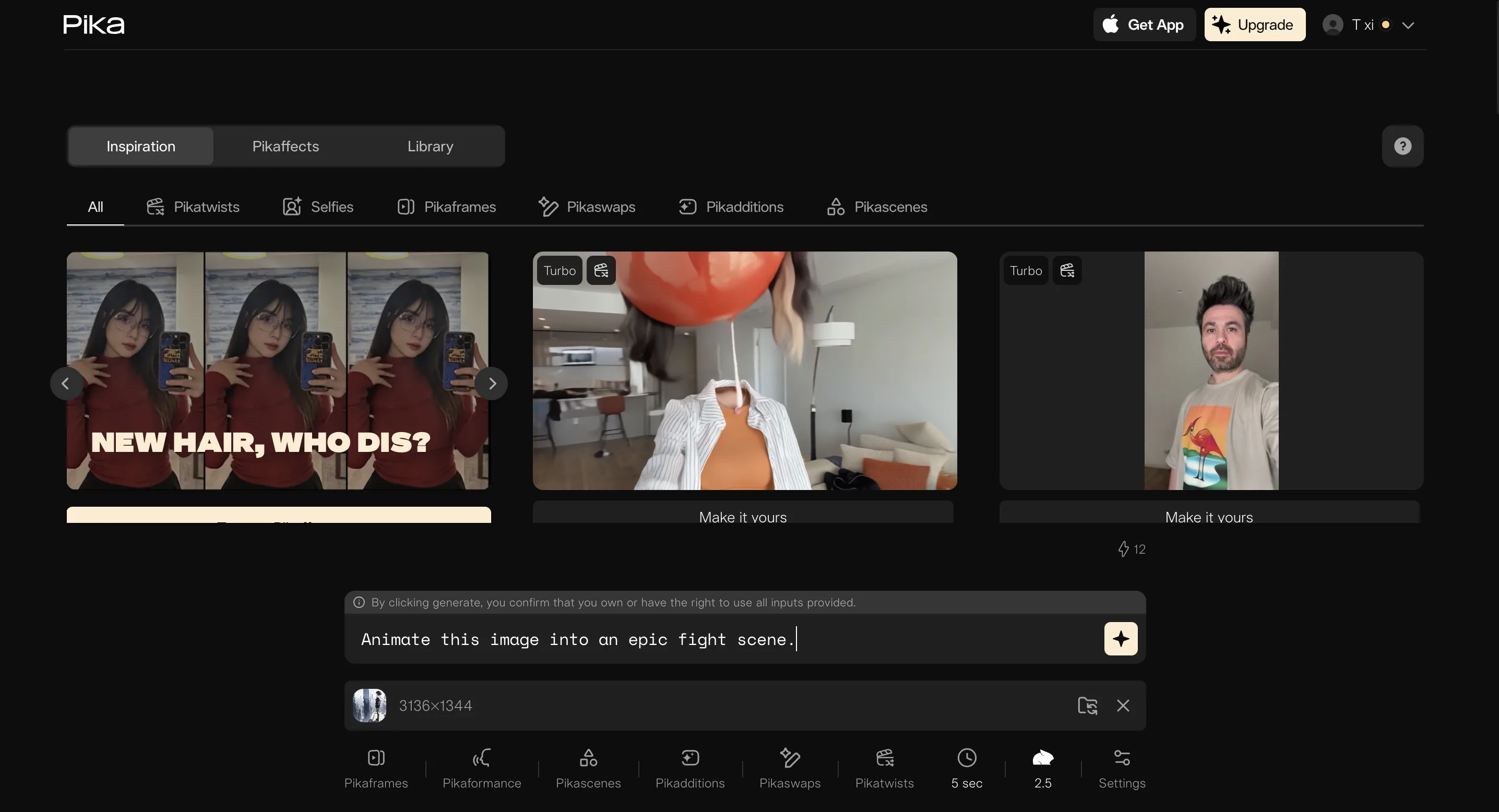
6. Krea AI — Best for Real-Time Rendering & Design Iteration
Krea AI lets you see changes in real time and set keyframes to guide motion, which are rare features among image to video AI tools. For anyone from a motion graphics background, this hands-on control feels immediately familiar.
- Pros: Real-time rendering lets you preview and adjust on the fly. Keyframe control gives granular power over motion direction.
- Cons: Moderate learning curve. Interface can feel overwhelming for beginners.
- Best For: Designers and motion artists wanting hands-on creative control.
- Pricing: Freemium tier with limited rendering sessions; paid plans unlock extended access and priority processing.
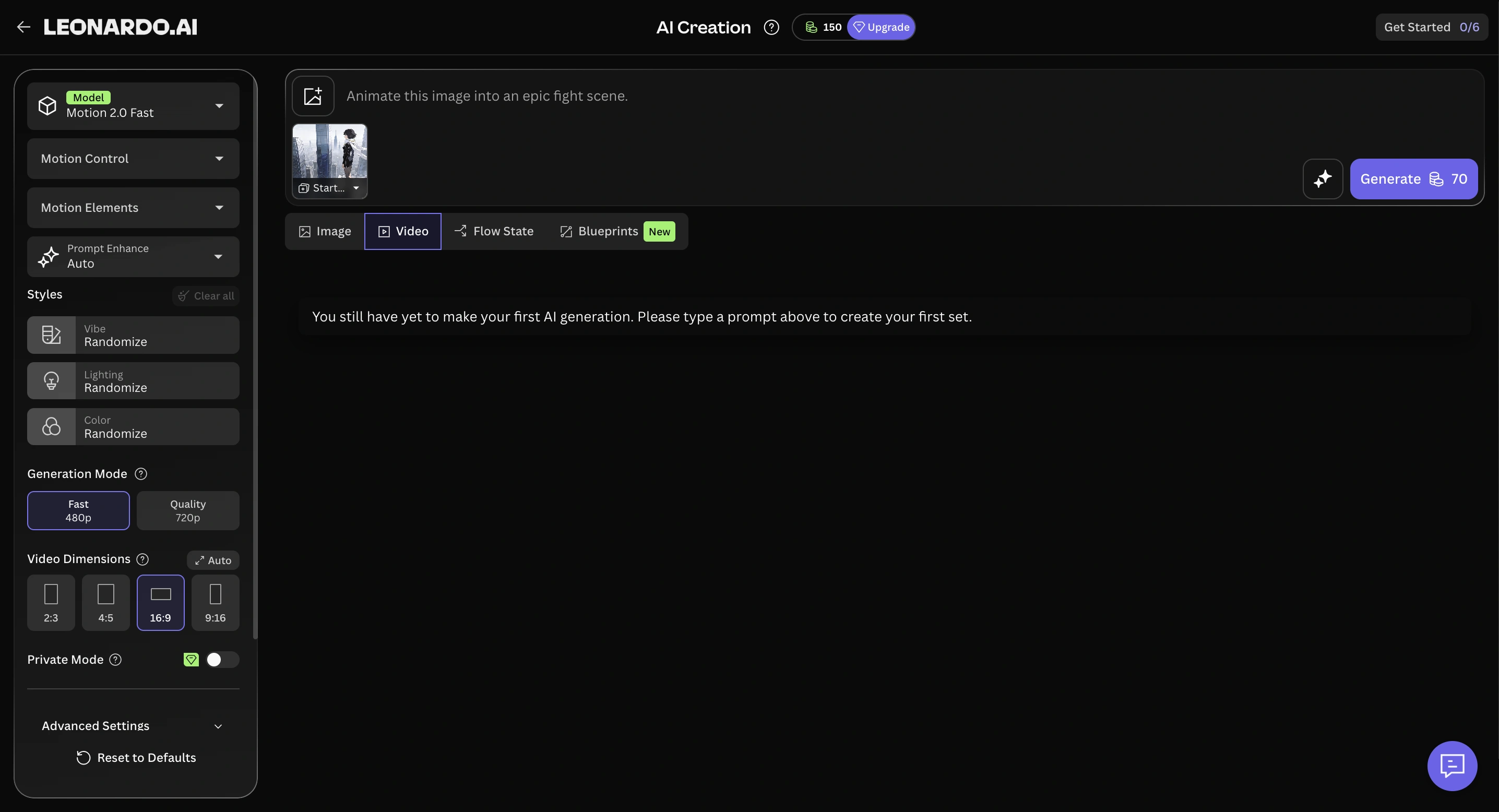
7. Leonardo AI (Motion) — Best for Image-to-Video Pipelines & Game Assets
Leonardo AI's Motion feature lets you generate an image and animate it without switching platforms, creating a seamless image-to-video pipeline. For game developers and concept artists, this integrated workflow is incredibly efficient.
- Pros: Seamless image-to-video pipeline within one platform. Great for animating game assets, concept art, and character designs.
- Cons: Moderate learning curve, especially for the full pipeline. Generation quality is good but not best-in-class for photorealism.
- Best For: Game developers and concept artists needing an integrated image creation and animation tool.
- Pricing: Freemium with daily token allowance; paid tiers significantly increase generation limits.
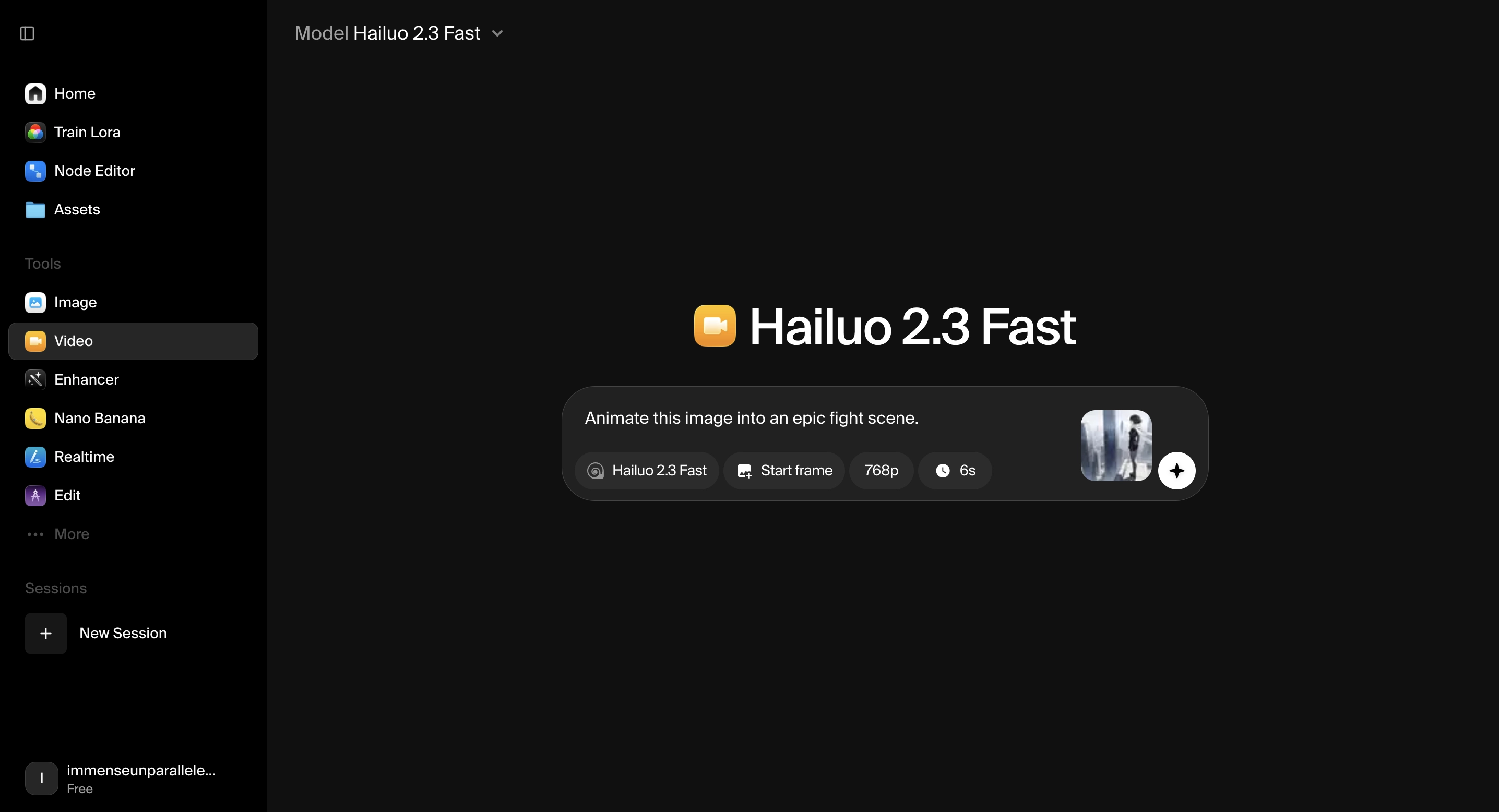
8. Hailuo AI — Best for Natural Motion & Expressive Character Animation
Hailuo AI, developed by MiniMax, stands out for its physics-aware motion and emotionally expressive character animation. Fluid dynamics for water, fabric, and hair look remarkably natural, and facial micro-expressions bring a level of emotional depth that most competitors can't match.
- Pros: Industry-leading natural motion with realistic physics for fluids, cloth, and human movement. Expressive facial micro-expressions add emotional authenticity. Easy-to-use interface with fast generation times under two minutes.
- Cons: No batch creation. Brand consistency control is basic. Clip durations are limited to around 6–10 seconds.
- Best For: Content creators and social media marketers who need lifelike character motion and emotionally engaging short clips.
- Pricing: Freemium with daily credits; paid plans starting around $15/month unlock higher resolution, watermark removal, and priority rendering.
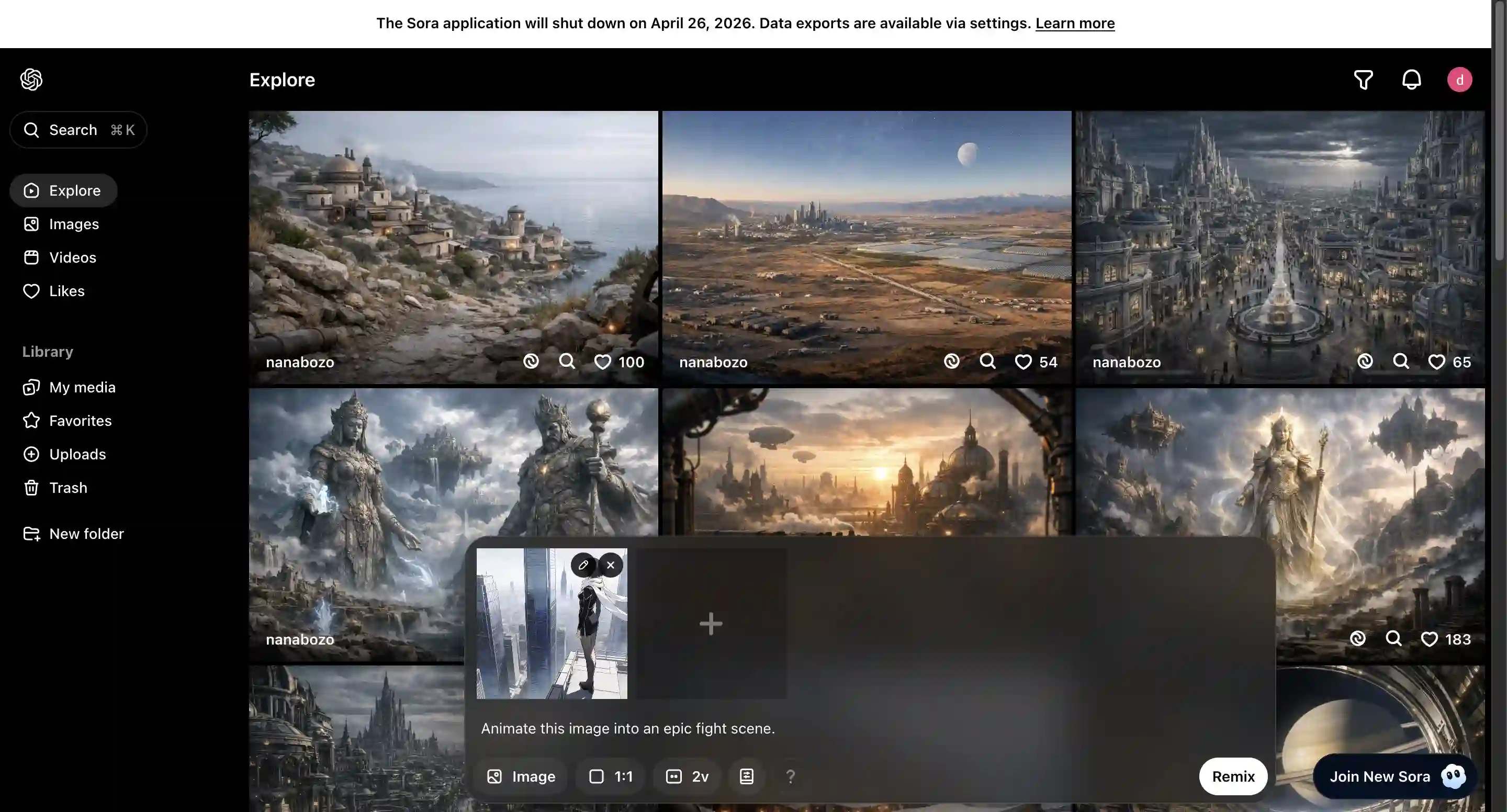
9. Sora — Best for Cinematic Scene Composition & Physics-Accurate Generation
Sora is OpenAI's flagship video generation model, and it sets a new bar for physical accuracy and complex scene composition. Where other tools struggle with multi-character interactions and real-world physics, Sora handles them with a level of coherence that feels closer to actual footage than AI generation.
- Pros: 5/5 generation quality with exceptional physics simulation and spatial coherence. Supports synchronized dialogue and sound effects. Handles complex multi-character scenes and cinematic camera movements.
- Cons: No free tier — requires a ChatGPT Plus ($20/month) or Pro ($200/month) subscription. No batch creation. Prompt engineering skill significantly impacts output quality.
- Best For: Filmmakers, creative directors, and storytellers who need cinematic-grade AI video with realistic physics and audio.
- Pricing: Included with ChatGPT Plus ($20/month) at lower resolution; full Sora Pro features require ChatGPT Pro ($200/month). API access available on a pay-per-second basis.
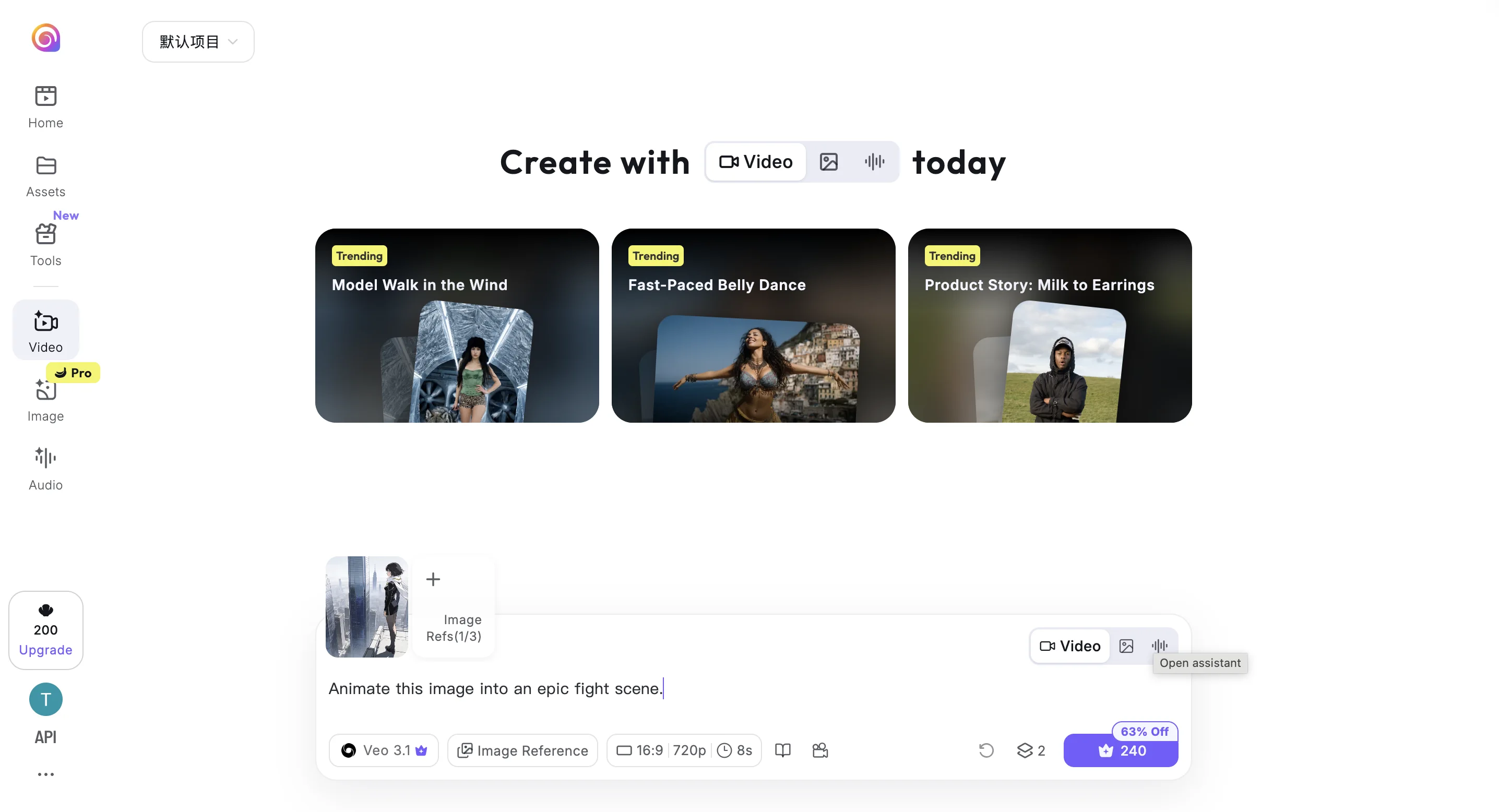
10. Vidu — Best for High-Fidelity Character Animation
Vidu is a sleeper pick that punches above its weight for character animation. Facial expressions and body motion feel natural at 4.5/5 quality, and it handles human movement better than most competitors.
- Pros: 4.5/5 generation quality with impressively natural facial expressions. High-fidelity body movement.
- Cons: Interface and community resources lean heavily toward Chinese-language users. No batch creation.
- Best For: Character artists and portrait creators needing lifelike human motion.
- Pricing: Freemium with daily credits; paid tiers unlock longer clips and priority queue access.
Conclusion: Which Tool Should You Choose?
If you need an image-to-video tool that manages the entire workflow including storyboarding and music, Pexo AI is a practical entry point for non-technical users. It's the fastest path from a single image to a polished, share-ready video. For creators chasing cinematic depth, Runway and Sora both deliver premium results — with Sora pushing the boundary on physics accuracy and synchronized audio. Kling AI 2.0 shines with photorealistic detail, Hailuo AI excels at natural motion and emotionally expressive characters, HeyGen owns the avatar-driven business video space, and Pika 2.0 is a great match for stylized social content. Start with Pexo's free tier to experience how effortless image to video AI can be, then explore others as your needs grow.